Posts
Overview
Posts are the main pieces of content in your community. You can use them to share updates, foster discussions, tell stories, and explore a wide array of topics.
Add a new post
Steps
From your HappyIO workspace or public site, go to a space
From the selected space page, click Add post
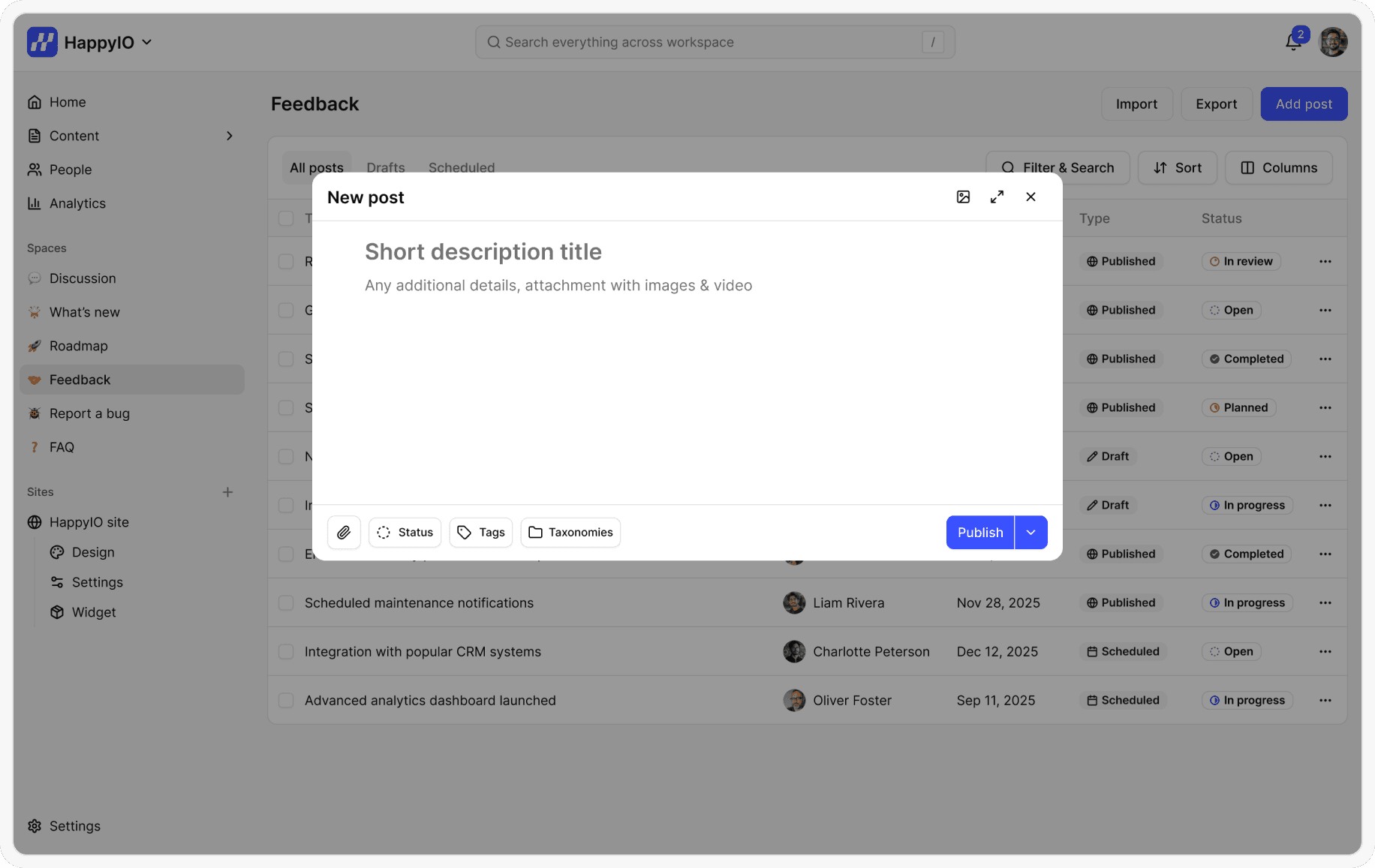
Enter a title for your post, along with any additional details that you want to add
Click Publish
Edit a post
After you've created posts, you can edit the posts to change their title, descriptions, and any other post details. Your saved changes take effect immediately in your community.
Steps
From your HappyIO workspace or public site, go to a space
From the selected space page, click the name of the post that you want to change
Modify the post details.
Click Publish
Add or remove tags to a post
Tags are searchable keywords associated with your post. Tags can help members to find posts through the search. Use tags to organize posts across spaces
Tags can have up to 50 characters and are unique in the whole community
You can apply up to 5 tags to each post
For more information about tags, refer to Tags
Here are some examples of tags
Device-related (e.g. iOS, Android, Web)
Customers affected (e.g. VIP, Students, Freemium)
Team in charge (e.g. Design, Product, Marketing)
Timing (e.g. Q4, Fall, 2025)
Steps
From your HappyIO workspace or public site, go to a space
Click the name of a post to edit, or create a new post
In the post editor, do one of the following:
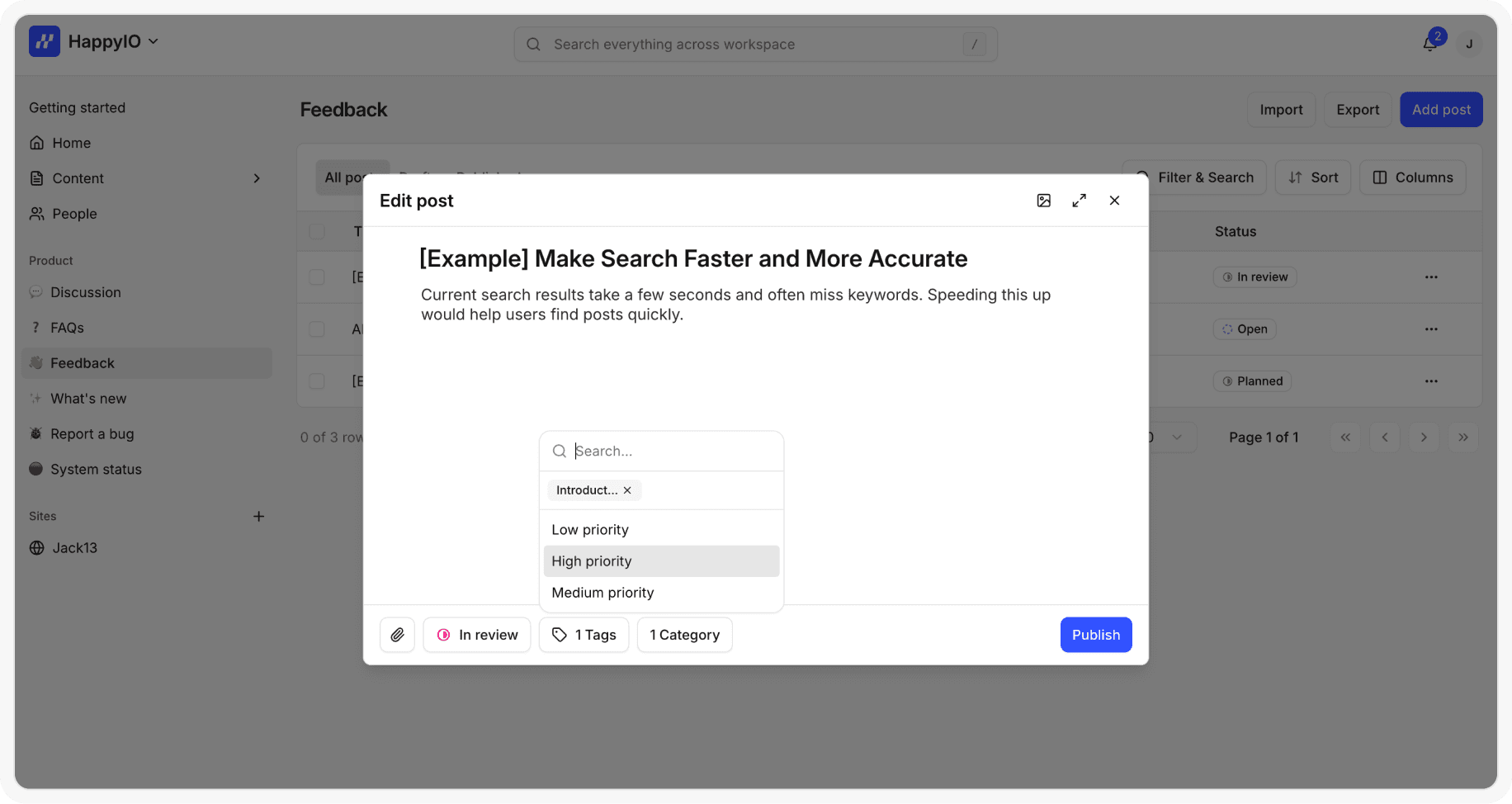
Click the Tags field and select the tags that you want to add or enter a new tag name and then click Add
In the Tags field, click the (X) button for any tags that you want to remove
Click Save
Note
Both Staff and Members can add tag to a post but only Staff can create a new tag. Members can only select from the tags already available in the form customization of space.
Add or remove taxonomies to a post
Taxonomies let you create structured categories to organize posts across spaces. Each taxonomy contains terms, and you can assign these terms to posts. Use terms to organize posts across spaces. This makes it easier to filter, group, and report on posts consistently across your community.
Taxonomies can have up to 50 characters and are unique in the whole community but can be reused across different spaces
Terms can have up to 50 characters and are unique within their taxonomy
You can apply up to 5 terms to each post
For more information about taxonomies and terms, refer to Taxonomies and Terms
Here are some examples of taxonomies and terms
Product categories (e.g. Taxonomy is Category and Terms are Features, Integrations, Languages)
Changelog type (e.g. Taxonomy is Type and Terms are New feature, Bug fix, Improvement
System service type (e.g. Taxonomy is Services and Terms are API, Front End, External services)
Steps
From your HappyIO workspace, go to a space
Click the name of a post to edit, or create a new post
In the post editor, do one of the following:
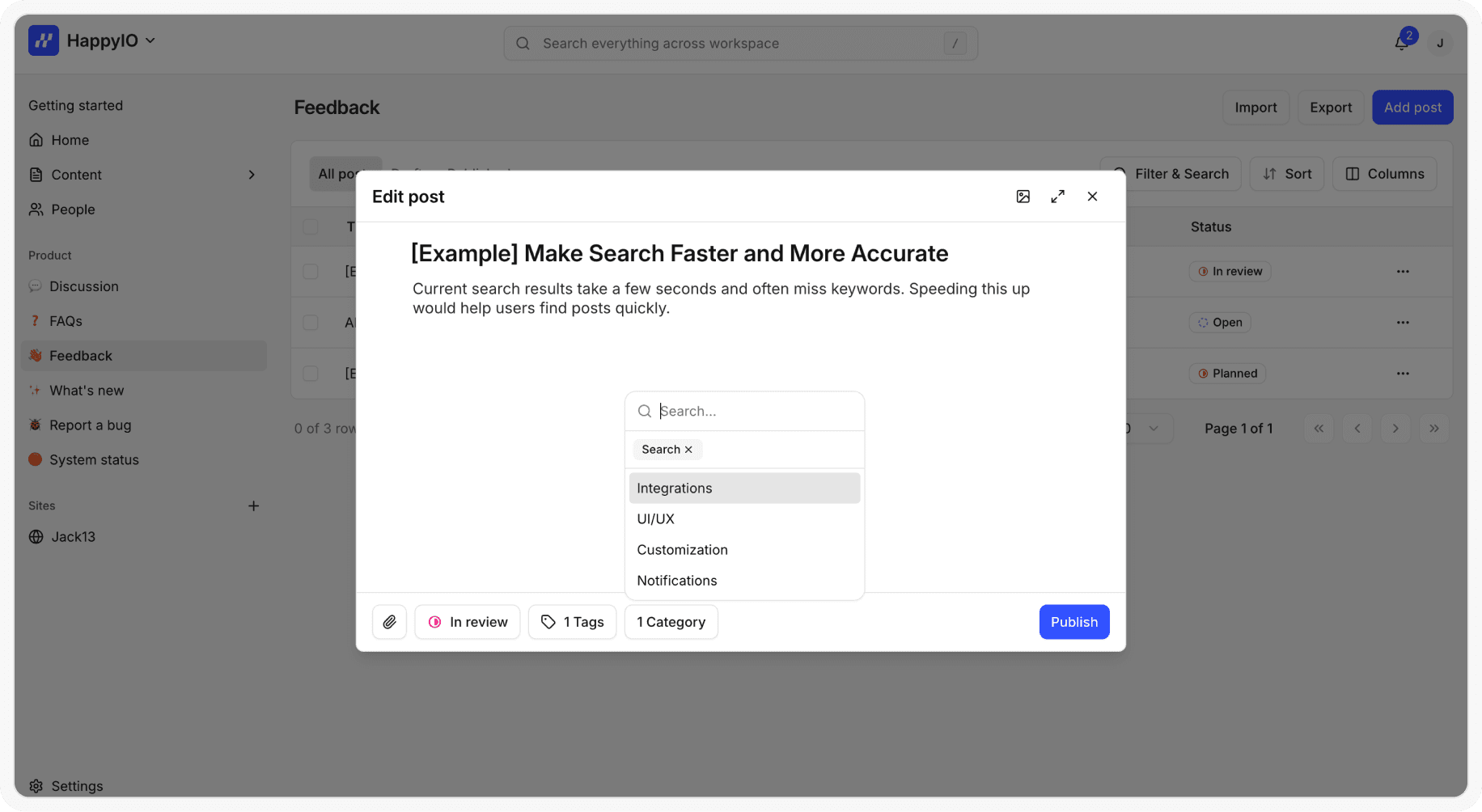
Click the Taxonomy name field and select the Terms that you want to add or enter a new Term name and then click Add
In the Taxonomy name field, click the (X) button for any Terms that you want to remove
Click Save
Delete a post
You can delete a post to permanently remove that post within the space. This action is irreversible, and that post will be permanently lost.
Steps
From your HappyIO workspace, go to a space
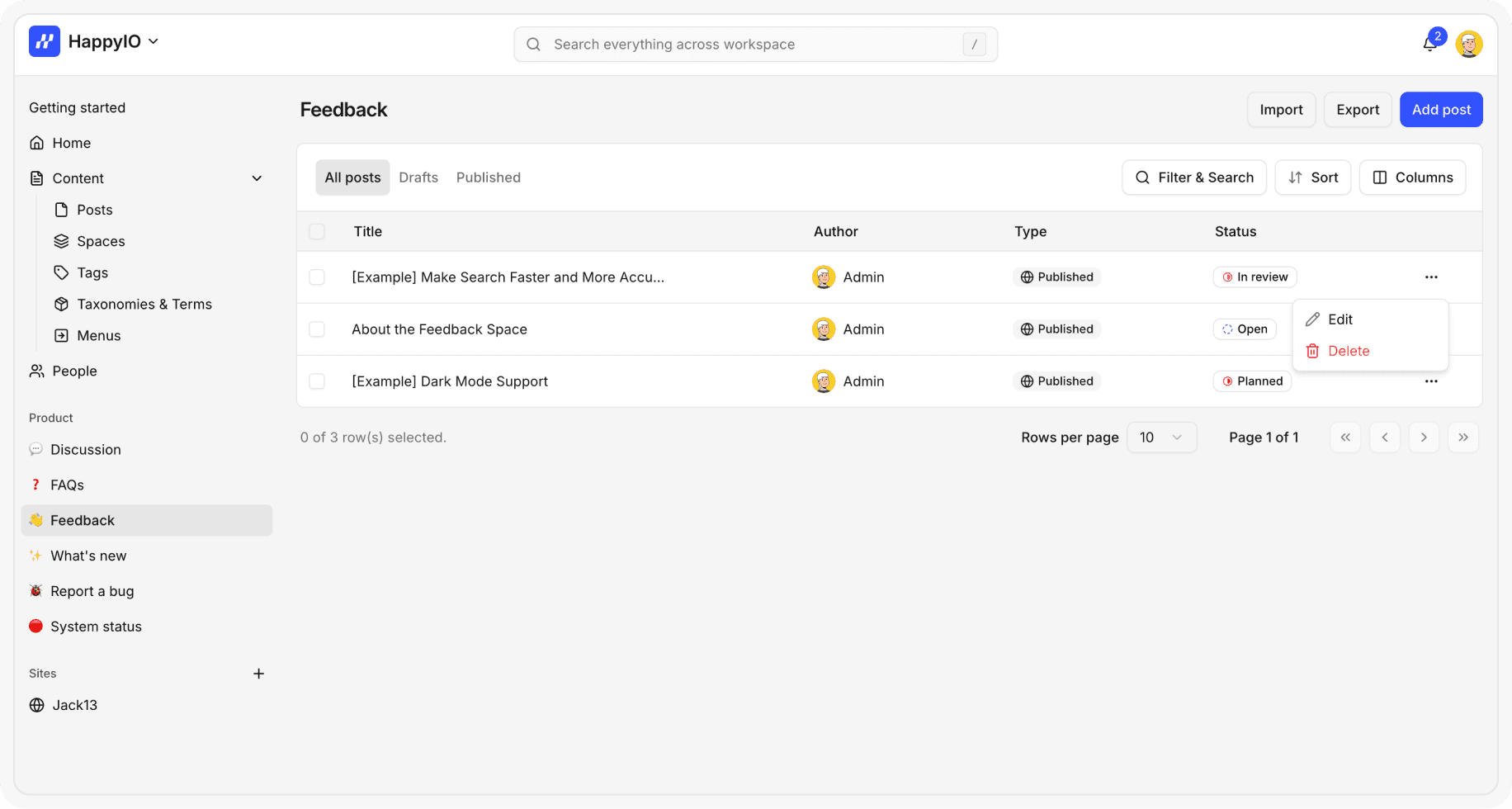
On a row of the post that you want to delete, click the [...] icon
Click Delete
In the confirmation popup, click Confirm